What Does Error 01 or Error 02 Mean on a FESCO Electricity Meter?

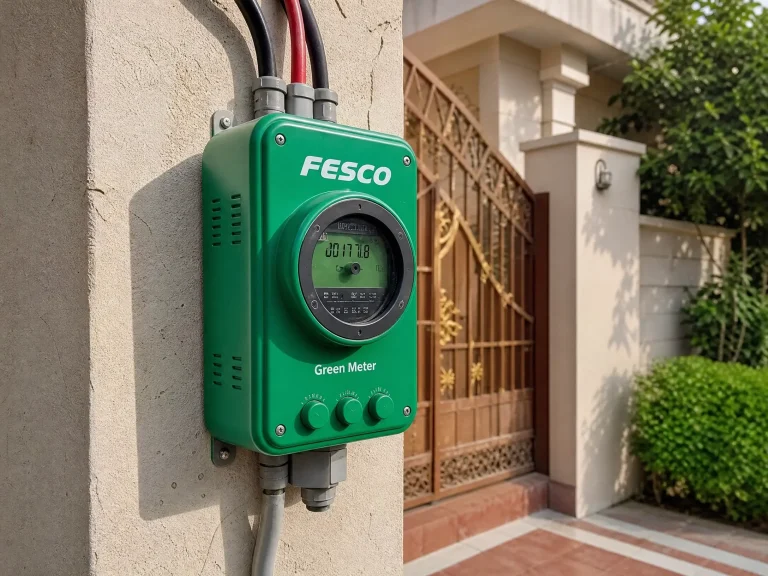
Encountering an error code on your electricity meter can be a source of confusion and concern. For consumers in Pakistan, particularly those served by the Faisalabad Electric Supply Company (FESCO), understanding common digital meter error codes like Error 01 and Error 02 is crucial for prompt resolution and uninterrupted power supply. This article delves into the meanings behind these specific FESCO meter errors, their potential causes, and what steps you should take to address them.
What Does Error 01 Mean on Your FESCO Electricity Meter?
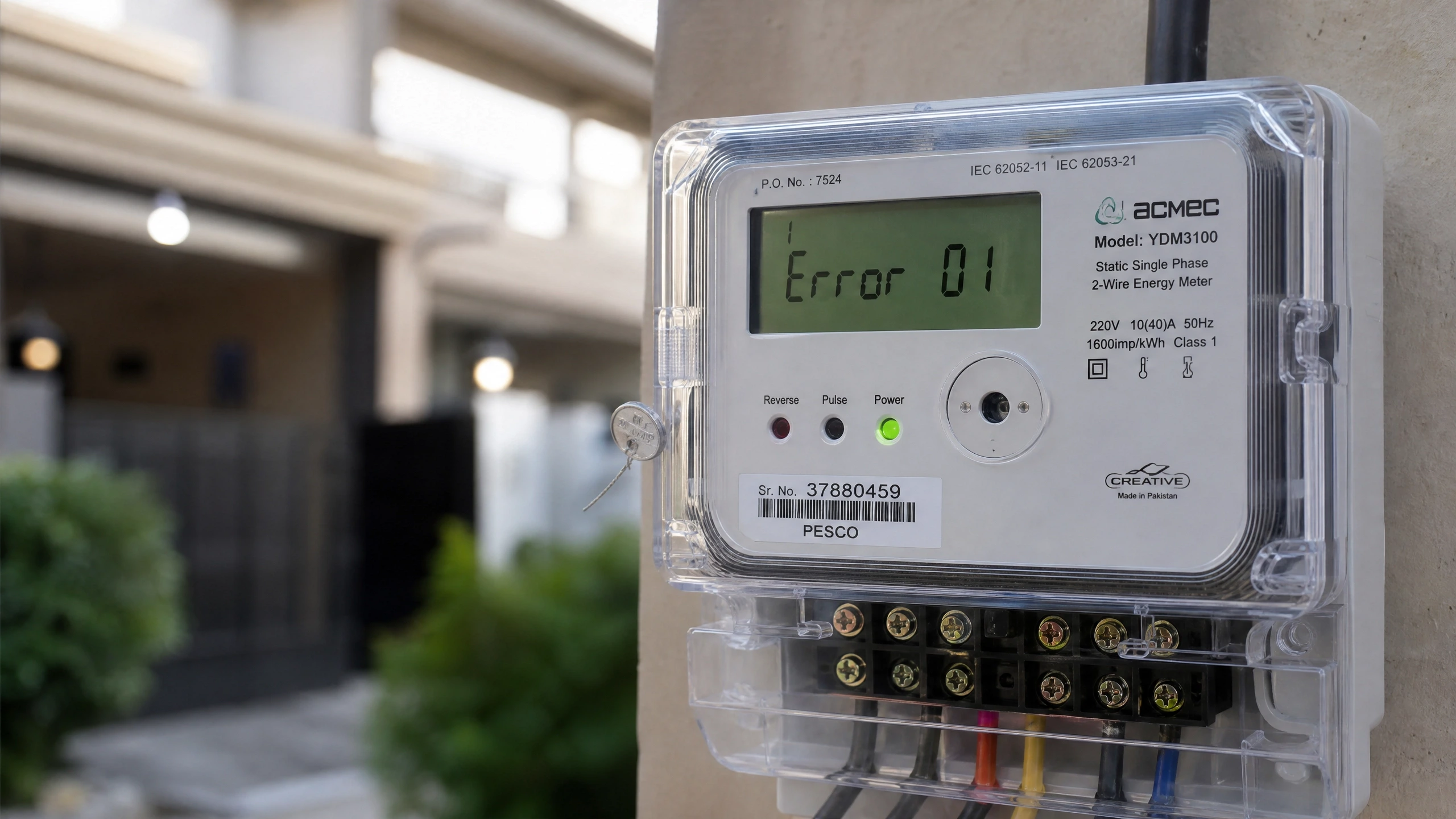
Error 01 is one of the most frequently reported issues on digital electricity meters, including those from manufacturers like MicroTech and KBK, commonly used under FESCO. This error code typically indicates a problem with the meter’s internal operations or power supply.
Common Causes of Error 01:
- Low Internal Battery: Many modern digital meters are equipped with an internal battery that powers certain functions, especially during power outages or for maintaining internal clocks and memory. A depleted or faulty internal battery is a primary cause for Error 01. When the battery voltage drops below a critical level, the meter may display this error to signal a need for attention.
- Control Loop Error: In prepaid or smart meters, Error 01 can signify acontrol loop error, often related to the meter relay disconnecting power when the remaining balance is zero. This is a safety mechanism to prevent overdrafts.
- Internal Fault/Tampering: In some cases, Error 01 might point to a more serious internal hardware malfunction or even an indication of attempted tampering. This could involve issues with the meter’s circuit board or other critical components.
What Does Error 02 Mean on Your FESCO Electricity Meter?
Error 02 on a FESCO electricity meter, or similar digital meters, generally points to issues related to the meter’s internal memory or security module.
Common Causes of Error 02:
- ESAM Error (Security Access Module): Several sources indicate that Error 02 often signifies an ESAM (Embedded System Access Module) error. The ESAM is a critical security chip responsible for authenticating the meter and protecting billing data. A fault in this module can prevent the meter from functioning correctly.
- Memory Error/Data Corruption: This error can also indicate a problem with the meter’s internal memory, where consumption data and other critical information are stored. Data corruption or a malfunctioning memory unit can trigger Error 02, leading to inaccurate readings or complete meter failure.
FESCO Meter Error 01 vs. Error 02: A Quick Comparison
Understanding the distinction between these two common errors can help in diagnosing the problem more effectively.
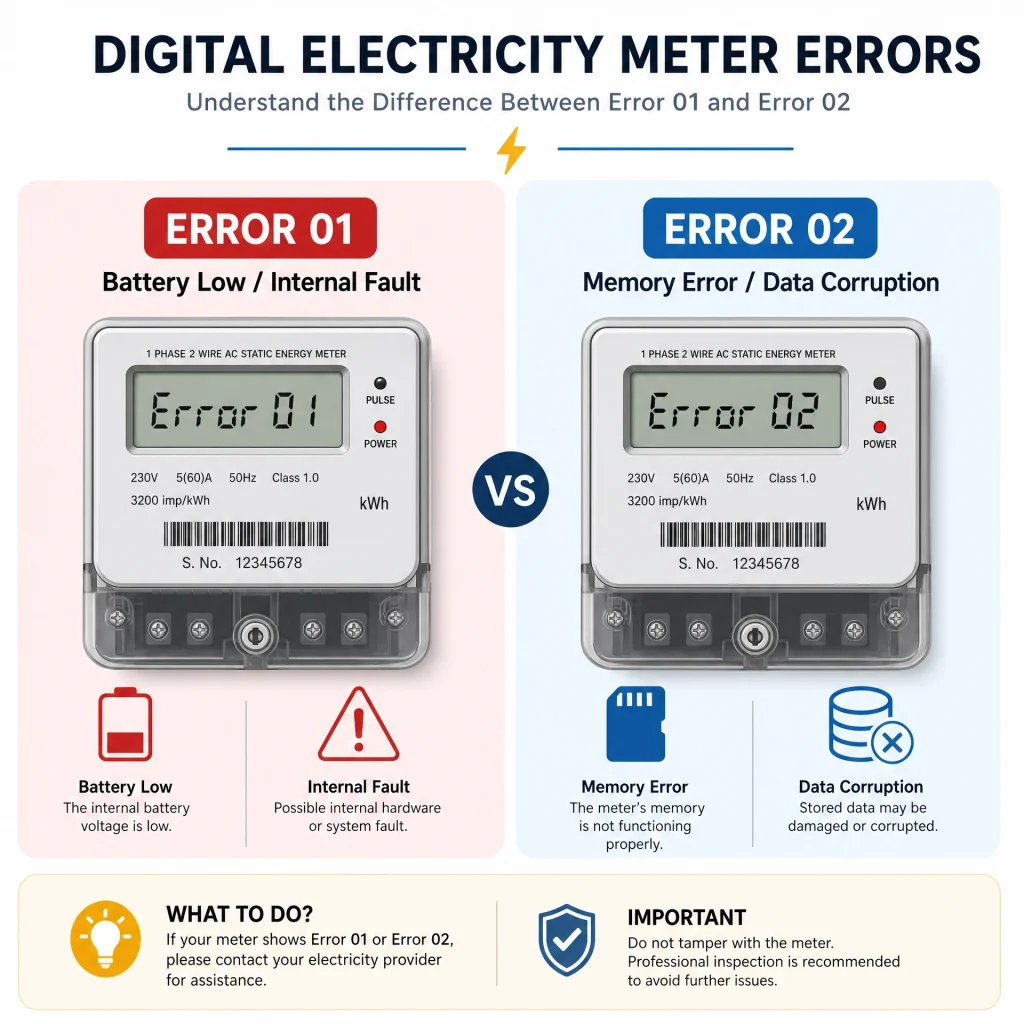
| Feature | Error 01 (Battery Low / Internal Fault) | Error 02 (Memory Error / Data Corruption) |
|---|---|---|
| Primary Cause | Low internal battery, control loop issue, internal hardware fault | ESAM error (security chip), internal memory malfunction, data corruption |
| Impact | Meter may stop displaying, power disconnection (prepaid), inaccurate readings | Meter malfunction, data loss, billing inaccuracies, security compromise |
| Common Solution | Battery replacement (by authorized personnel), meter inspection | Meter replacement (by authorized personnel) |
What to Do When Your FESCO Meter Displays Error 01 or Error 02?
It is crucial to remember that electricity meters are sensitive equipment, and attempting to fix them yourself can be dangerous and may lead to further damage or legal repercussions. Always follow official procedures.
- Do Not Tamper: Under no circumstances should you attempt to open or repair the meter yourself. This is illegal and extremely dangerous.
- Contact FESCO Immediately: The first and most important step is to report the error to FESCO. You can typically do this through their customer service helpline, their official website, or by visiting your nearest FESCO sub-division office. Provide them with the exact error code displayed on your meter.
- Provide Details: Be prepared to provide your consumer number, meter number, and a clear description of the error (e.g., “FESCO meter showing Error 01”).
- Await Professional Inspection: FESCO will dispatch qualified technicians to inspect your meter. They are equipped to diagnose the exact cause of the error and perform necessary repairs or replacements.
Preventing FESCO Meter Errors
While some errors are unavoidable due to component aging, certain practices can help minimize the chances of encountering meter issues:
- Avoid Overloading: Ensure your electrical load does not consistently exceed the meter’s rated capacity. Overloading can stress meter components and lead to malfunctions.
- Regular Monitoring: Periodically check your meter for any unusual displays or sounds. Early detection of minor issues can prevent major problems.
- Report Suspected Issues: If you notice flickering displays, unusual readings, or any physical damage to the meter, report it to FESCO promptly.
Conclusion
FESCO electricity meter errors like Error 01 and Error 02 are indicators of underlying issues that require professional attention. By understanding their common causes—ranging from a low meter battery to internal memory faults—and following the correct reporting procedures, consumers can ensure the safe and efficient operation of their electricity supply. Always prioritize safety and rely on authorized FESCO personnel for any meter-related concerns.

Hamza Bilal writes for FESCO Online Bill, sharing simple and accurate guides to help FESCO consumers check, understand, and pay their electricity bills online without any hassle.